About MKM Blog CMS
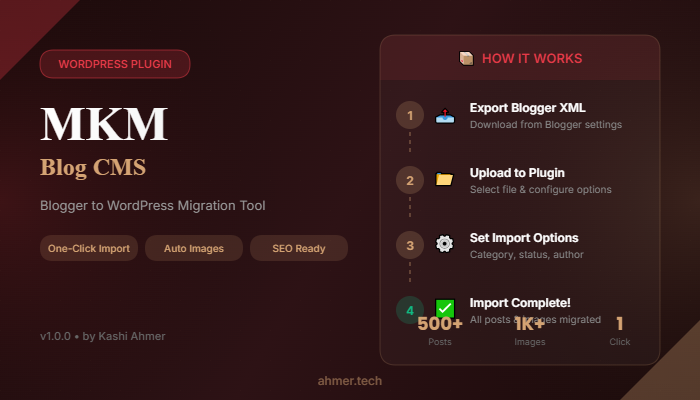
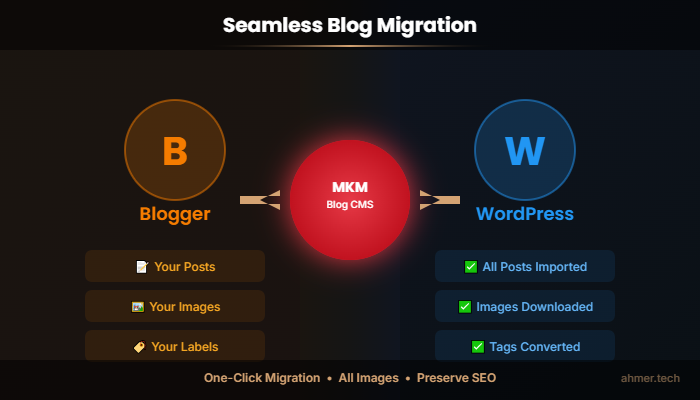
MKM Blog CMS is a powerful and elegant WordPress plugin designed to seamlessly migrate your Blogger blog content to WordPress. With just a few clicks, you can import all your posts, automatically download and upload images to your WordPress media library, set featured images, and assign categories - all while preserving your original content formatting.
Whether you're a blogger moving to WordPress, a web developer handling client migrations, or an agency managing multiple projects, MKM Blog CMS makes the entire process simple, fast, and hassle-free. No technical knowledge required - just upload your Blogger XML export file and let the plugin handle everything else.
Why Choose MKM Blog CMS?
- Save Time: Import hundreds of posts in minutes, not hours
- Save Money: No need to hire developers for migration
- No Data Loss: All content, images, and formatting preserved
- User Friendly: Beautiful interface anyone can use
- Reliable: Tested with thousands of posts and images
Perfect For
- Bloggers migrating from Blogger to WordPress
- Content creators consolidating multiple blogs
- Web developers handling client migrations
- Digital agencies managing migration projects
- Businesses transitioning company blogs
Built with modern WordPress coding standards and featuring a stunning Rose Red & Golden Gold admin interface, MKM Blog CMS provides an exceptional user experience while handling complex migration tasks efficiently behind the scenes.
Developed with ❤️ by Kashi Ahmer
Features
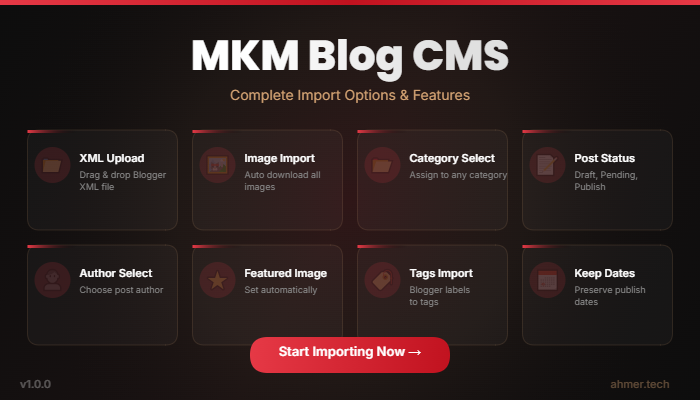
📤 One-Click Import
Upload your Blogger XML file and import all posts instantly. Our intelligent parser extracts posts, content, and metadata automatically.
🖼️ Automatic Image Download
All images from Blogger posts are automatically downloaded and uploaded to your WordPress media library. No broken images, no manual work.
⭐ Featured Image Detection
Automatically detects the first image in each post and sets it as the featured image. Your posts look great in themes and archives.
📁 Category Assignment
Assign all imported posts to a specific WordPress category. Perfect for keeping your site organized and structured.
✏️ Flexible Post Status
Choose to publish posts immediately, save as drafts, set as pending review, or keep private. Full control over content visibility.
👤 Author Selection
Assign imported posts to any WordPress user with publishing capabilities. Great for multi-author sites.
🔒 Safe Content Cleaning
Automatically removes harmful scripts, iframes, and unsafe HTML while preserving legitimate content formatting.
🔗 SEO-Friendly Slugs
Generates clean, unique, SEO-optimized slugs for each post. Duplicate detection ensures no URL conflicts.
📊 Import Statistics
Detailed results showing total entries, successfully imported posts, and skipped items with beautiful visual stats.
⚡ Performance Optimized
Handles large XML files with 2GB+ memory support, extended execution time, and batch processing.
🎨 Beautiful Interface
Modern Rose Red & Golden Gold design with smooth animations, responsive layout, and intuitive controls.
🛡️ Secure Processing
Nonce verification, capability checks, sanitized inputs, and automatic cleanup of temporary files.
Complete Feature List
- ✅ One-click Blogger XML import
- ✅ Automatic image download & upload
- ✅ Featured image auto-detection
- ✅ Category assignment option
- ✅ Post status selection (Publish/Draft/Pending/Private)
- ✅ Author assignment
- ✅ Script & unsafe content removal
- ✅ Unique slug generation
- ✅ Large file support (2GB+ memory)
- ✅ Batch processing with pauses
- ✅ Beautiful admin interface
- ✅ Real-time progress feedback
- ✅ Detailed import statistics
- ✅ Responsive design
- ✅ No external dependencies
- ✅ WordPress coding standards
- ✅ Nonce security verification
- ✅ Automatic temp file cleanup
Requirements
| Requirement | Minimum | Recommended |
|---|---|---|
| WordPress | 5.0+ | 6.0+ |
| PHP | 7.2+ | 8.0+ |
| MySQL | 5.6+ | 8.0+ |
| Memory Limit | 256MB | 512MB+ |
| Max Upload Size | Sufficient for XML | 64MB+ |
Server Requirements
- WordPress 5.0 or higher
- PHP 7.2 or higher (PHP 8.x compatible)
- MySQL 5.6 or higher
- Memory Limit: 256MB minimum (512MB+ recommended for large imports)
- Max Upload Size: Sufficient to upload your XML file
- Max Execution Time: 300 seconds recommended
- File Permissions: Write access to wp-content/uploads directory
Browser Compatibility
- Google Chrome (latest)
- Mozilla Firefox (latest)
- Microsoft Edge (latest)
- Safari (latest)
- Opera (latest)
What You Need
- A WordPress website with admin access
- Blogger XML export file (from Blogger Settings → Other → Back up content)
- FTP or WordPress admin access for plugin installation
Installation & Usage Instructions
📥 Installation
Method 1: WordPress Admin Upload
- Download the plugin ZIP file
- Go to WordPress Admin → Plugins → Add New
- Click "Upload Plugin" button
- Choose the downloaded ZIP file
- Click "Install Now"
- Click "Activate Plugin"
Method 2: FTP Upload
- Download and extract the plugin ZIP file
- Connect to your server via FTP
- Navigate to /wp-content/plugins/
- Upload the "mkm-blog-cms" folder
- Go to WordPress Admin → Plugins
- Find "MKM Blog CMS" and click "Activate"
📤 Export from Blogger
- Log in to your Blogger account
- Go to Blogger Dashboard
- Click on Settings
- Scroll down to "Manage blog" section
- Click "Back up content"
- Click "Download" to save the XML file
📥 Import to WordPress
- Go to WordPress Admin
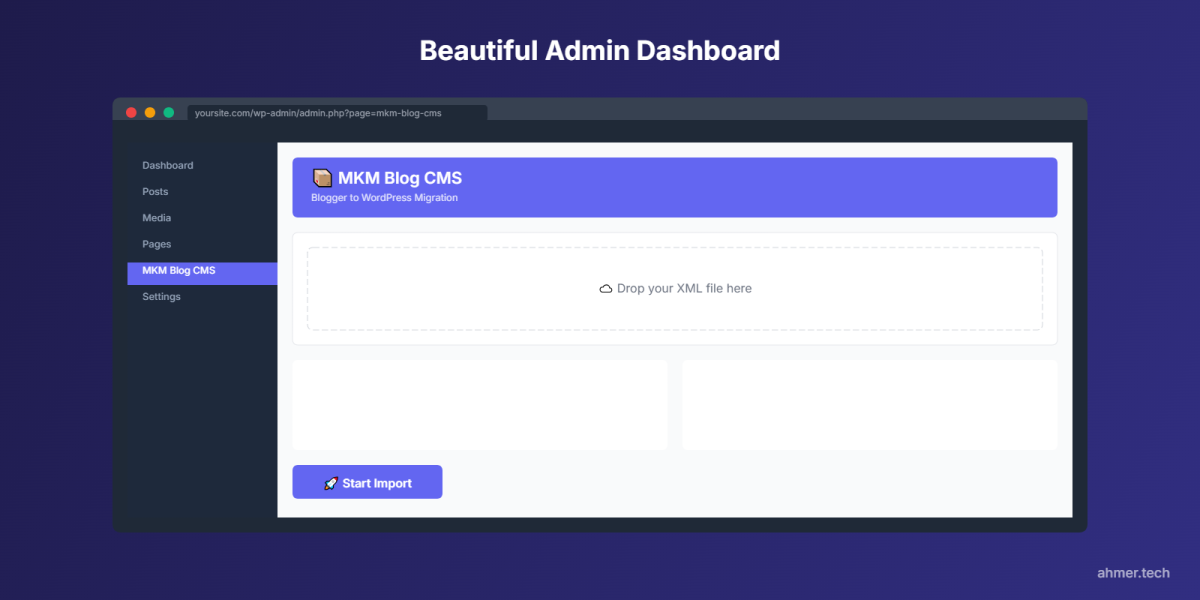
- Click on "MKM Blog CMS" in the sidebar
- Click "Choose XML File" and select your Blogger export
- Select a category (optional)
- Choose post status (Published, Draft, Pending, or Private)
- Select post author
- Click "Import Posts" button
- Wait for the import to complete
- Review the import results
📊 Understanding Results
- Total Entries: All items found in the XML file (posts, comments, settings)
- Imported: Successfully imported posts
- Skipped: Entries without title/content (comments, templates, etc.)
💡 Tips for Best Results
- Backup your WordPress site before importing
- Import to a staging site first if possible
- Use Draft status if you want to review posts before publishing
- For large blogs, ensure sufficient server resources
- Check imported posts to verify content and images
⚠️ Troubleshooting
- Import times out: Increase PHP max_execution_time
- Memory error: Increase PHP memory_limit
- Upload fails: Increase upload_max_filesize and post_max_size
- Images not importing: Check if allow_url_fopen is enabled
Development Information
| Development Time | 45 Hours |
| Version | 1.0.0 |
| Last Updated | March 2026 |
| Developer | Kashi Ahmer |
| Website | ahmer.tech |
Development Breakdown
- Core XML Parsing Engine: 12 hours
- Image Download & Processing: 8 hours
- Admin Interface Design: 10 hours
- Security Implementation: 5 hours
- Performance Optimization: 5 hours
- Testing & Bug Fixes: 5 hours