📝 Description
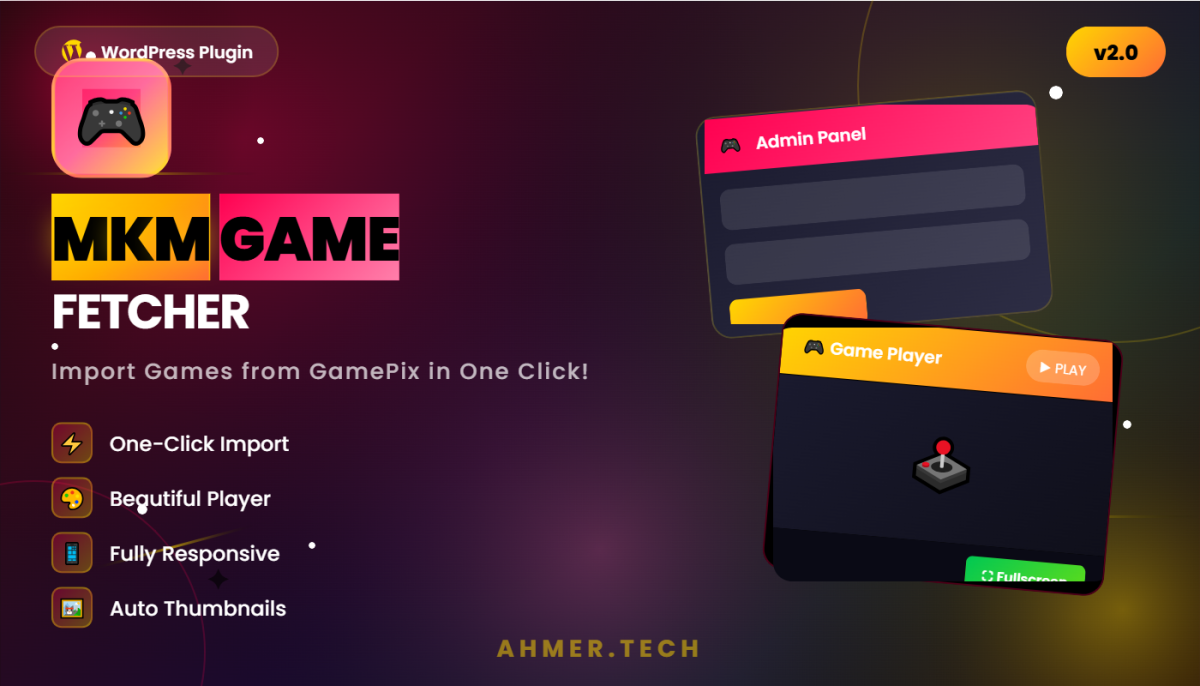
MKM Game Fetcher is a WordPress plugin that allows website owners to import HTML5 browser games from GamePix feed directly into their WordPress site. Each game is imported as a WordPress post with automatically generated content, featured image, and an embedded game player.
This plugin is designed for gaming websites, entertainment portals, and anyone who wants to add playable browser games to their WordPress site without manual work. Simply paste your GamePix feed URL, select a category, and click import — the plugin handles everything else.
What This Plugin Does:
- Imports games from GamePix JSON feed — Reads the feed and creates WordPress posts for each game
- Downloads and sets featured images — Automatically downloads game thumbnails and sets them as post featured images
- Generates game descriptions — Uses original game description from feed, or creates a default one if not available
- Adds "How to Play" content — Automatically generates SEO-friendly content for each game post
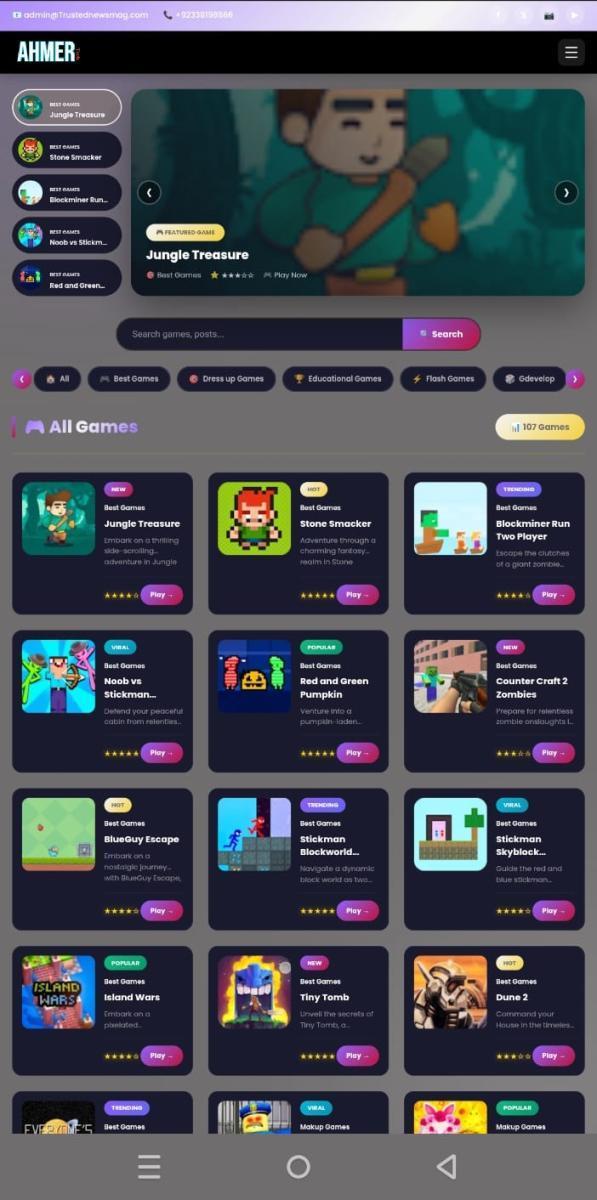
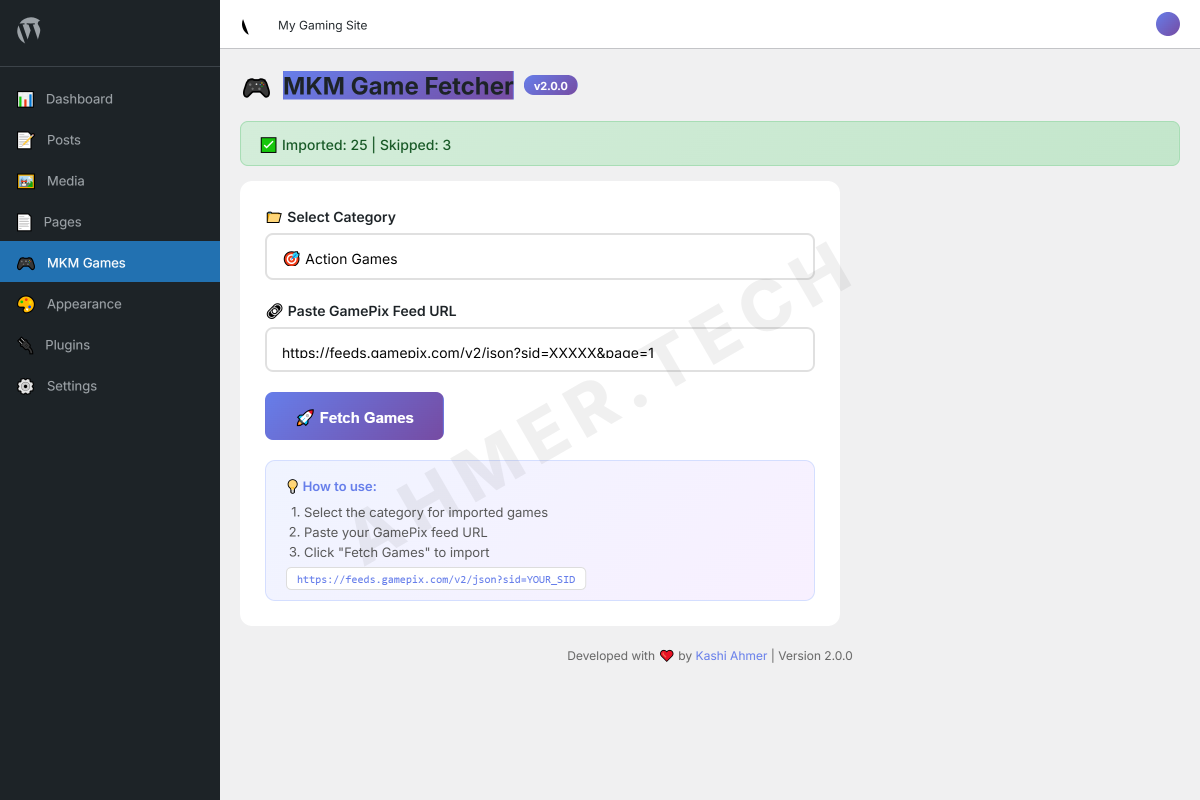
- Embeds game player — Shows a beautiful, responsive game player above post content on single game pages
- Fullscreen support — Players can click fullscreen button to play in full browser window
- Duplicate detection — Skips games that are already imported to avoid duplicates
What This Plugin Does NOT Do:
- Does not host games on your server — Games are embedded via iframe from GamePix
- Does not work without a valid GamePix publisher account and feed URL
- Does not automatically update games — Each import is manual
- Does not support feeds from other providers (only GamePix format)
⚠️ Important: You need a GamePix publisher account to get your feed URL. Sign up at gamepix.com and get your SID (Site ID) to generate your feed URL. This plugin only imports games — you must have legal rights to display the games on your site through GamePix partnership.
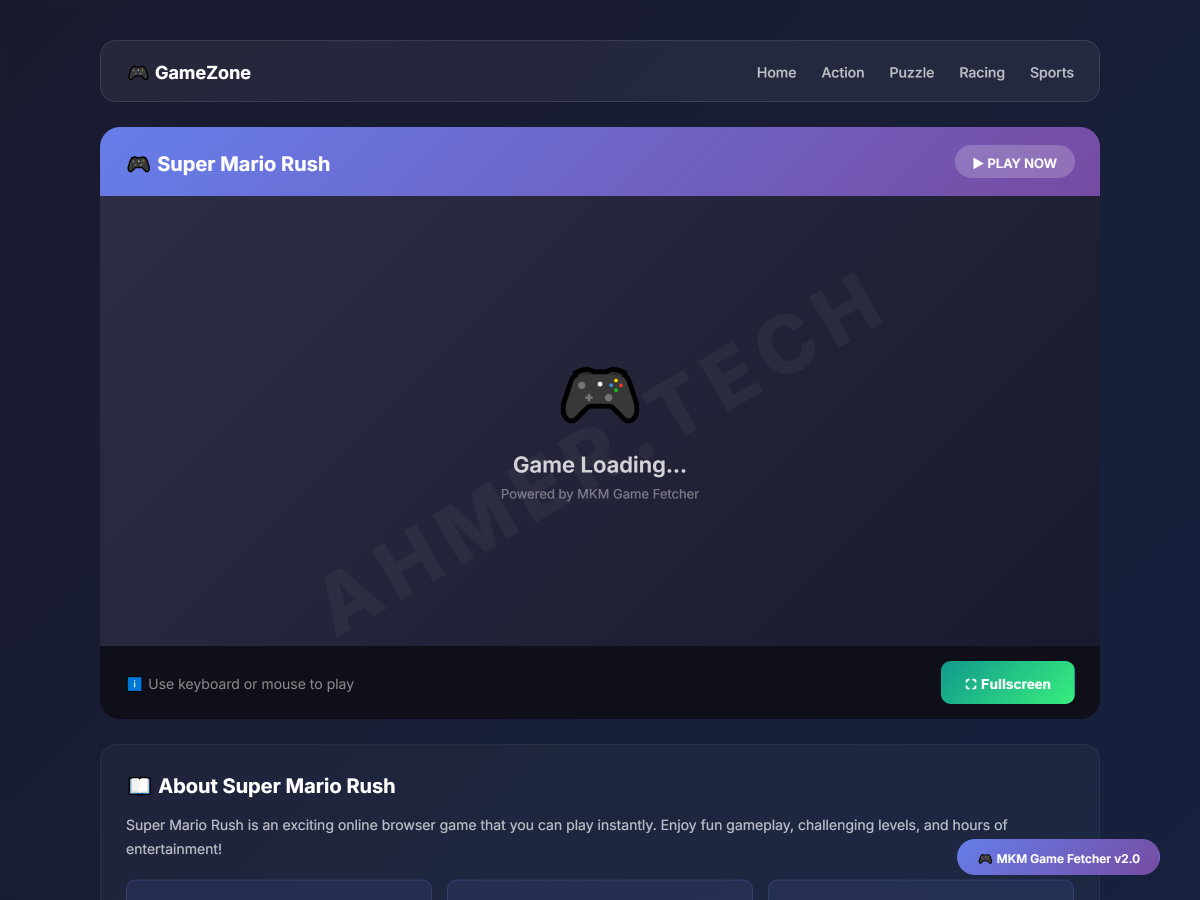
✨ Features
-
⚡ One-Click Import
Paste feed URL and import multiple games instantly. No manual copying needed. -
🎮 Embedded Game Player
Beautiful iframe player with header, fullscreen button, and dark theme. -
🖼️ Auto Featured Images
Downloads game thumbnail from feed and sets as WordPress featured image. -
📱 Fully Responsive
Player adjusts height for desktop, tablet, and mobile screens automatically. -
📁 Category Selection
Choose which WordPress category imported games should be assigned to. -
🔄 Duplicate Detection
Checks if game already exists before importing to prevent duplicate posts. -
📝 Auto Content Generation
Creates "About" and "How to Play" sections for each game automatically. -
⚙️ Settings Page
Customize player height for desktop and mobile from admin settings. -
⛶ Fullscreen Mode
One-click fullscreen button for immersive gameplay experience. -
🔒 Secure Code
Uses WordPress nonces, sanitization, and follows coding standards. -
🌐 Translation Ready
All strings are translatable using WordPress translation functions. -
🗑️ Clean Uninstall
Removes plugin options on uninstall. Game posts remain for your safety.
📋 Requirements
Server Requirements:
| Requirement | Minimum | Recommended |
|---|---|---|
| WordPress Version | 5.0 or higher | 6.0 or higher |
| PHP Version | 7.4 or higher | 8.0 or higher |
| MySQL Version | 5.6 or higher | 8.0 or higher |
| Memory Limit | 128 MB | 256 MB or higher |
| Max Execution Time | 60 seconds | 120 seconds or higher |
Additional Requirements:
- GamePix Publisher Account — You need to sign up at gamepix.com as a publisher to get your feed URL
- GamePix Feed URL — Format: https://feeds.gamepix.com/v2/json?sid=YOUR_SID
- Allow URL fopen or cURL — Your server must be able to fetch external URLs
- File Upload Permission — For downloading and saving featured images to media library
💡 Note: This plugin works on most shared hosting. If you face timeout issues while importing many games, increase PHP max_execution_time or contact your hosting provider.
📥 Installation Instructions
Method 1: Upload via WordPress Admin (Recommended)
-
Download the Plugin
Download themkm-game-fetcher.zipfile from your purchase. Do not extract the zip file. -
Go to WordPress Admin → Plugins → Add New
Login to your WordPress dashboard. Navigate to Plugins menu and click Add New. -
Click "Upload Plugin" Button
Click the Upload Plugin button at the top of the page. Click Choose File and select themkm-game-fetcher.zipfile. -
Click "Install Now"
Click Install Now button. Wait for WordPress to upload and install the plugin. This may take a few seconds. -
Activate the Plugin
After installation, click Activate Plugin. You will see "MKM Games" menu in your WordPress admin sidebar.
Method 2: Upload via FTP
- Download and extract
mkm-game-fetcher.zipon your computer - Connect to your server using FTP client (FileZilla, etc.)
- Navigate to
/wp-content/plugins/folder - Upload the
mkm-game-fetcherfolder (not the zip) - Go to WordPress Admin → Plugins
- Find "MKM Game Fetcher" and click Activate
✅ After Activation: You will see "MKM Games" menu in your WordPress admin sidebar with a game controller icon.
🎯 How to Use
Step 1: Get Your GamePix Feed URL
Before using this plugin, you need a GamePix publisher account:
- Go to gamepix.com and sign up as a publisher
- Add your website and get approved
- Go to your publisher dashboard and find your SID (Site ID)
- Your feed URL will be:
https://feeds.gamepix.com/v2/json?sid=YOUR_SID
⚠️ Important: Without a valid GamePix SID, the plugin cannot import games. Make sure you have a working feed URL before proceeding.
Step 2: Create Categories (Optional but Recommended)
Go to Posts → Categories in WordPress admin and create categories for your games:
- Action Games
- Puzzle Games
- Racing Games
- Sports Games
- Adventure Games
This helps organize your games and improves site navigation for visitors.
Step 3: Import Games
-
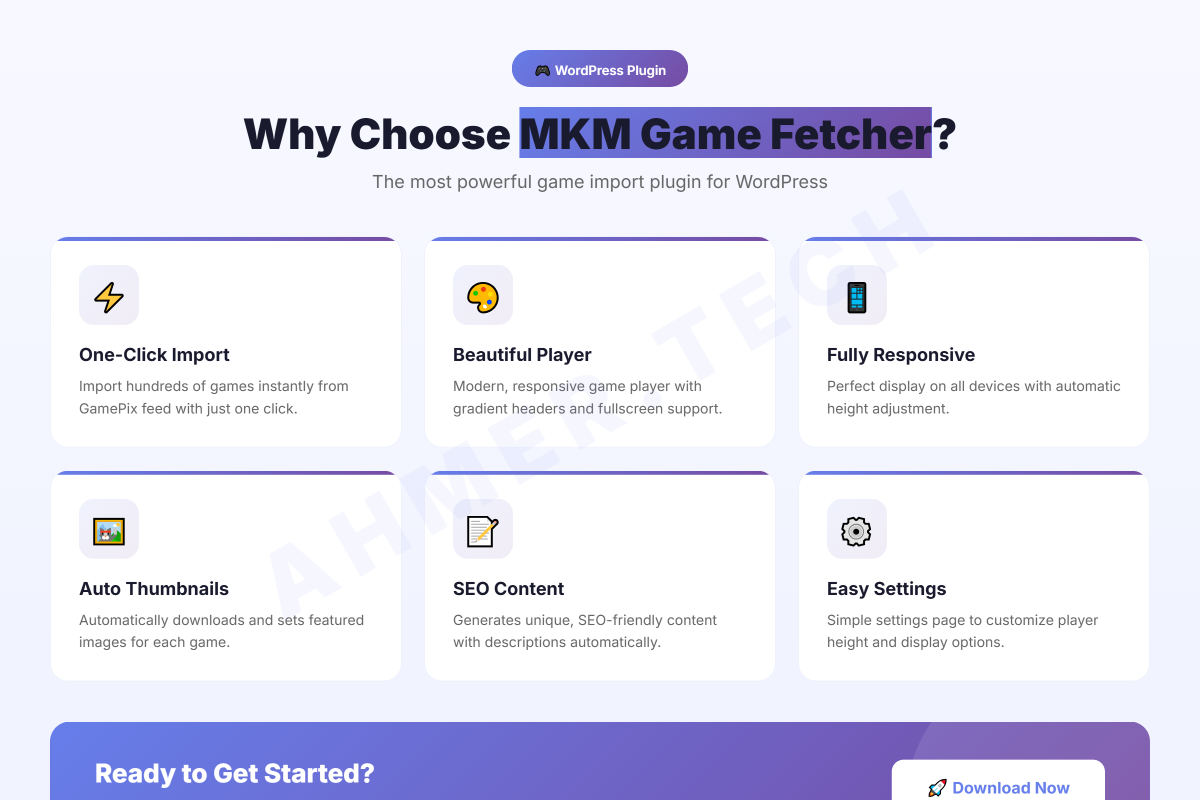
Go to MKM Games → Import Games
Click on "MKM Games" in your WordPress admin sidebar. The import page will open. -
Select Category
Choose the WordPress category where imported games will be assigned. You can import different game types to different categories by running multiple imports. -
Paste Feed URL
Paste your complete GamePix feed URL in the input field.
Example:https://feeds.gamepix.com/v2/json?sid=12345&page=1 -
Click "Fetch Games"
Click the Fetch Games button. Wait for the import to complete. This may take 30 seconds to 2 minutes depending on number of games and your server speed. -
View Results
After import completes, you will see a message showing:
"✅ Imported: X | Skipped: Y"
Imported = new games added | Skipped = duplicates or invalid games
Step 4: Configure Settings (Optional)
Go to MKM Games → Settings to customize:
- Desktop Player Height — Default is 600px. Recommended: 500-800px
- Mobile Player Height — Default is 400px. Recommended: 300-500px
Click Save Settings to apply changes.
Step 5: View Your Games
After import, your games are regular WordPress posts. You can:
- Go to Posts → All Posts to see all imported games
- Edit any game post to modify title, content, or category
- View the game on frontend — player appears automatically above content
- Delete games like any normal WordPress post
Step 6: Play Games on Frontend
When visitors view a single game post on your website:
- Beautiful game player appears at the top of the post
- Game loads in iframe from GamePix servers
- Fullscreen button allows immersive gameplay
- Player is fully responsive for mobile devices
- Game description and How to Play content appears below player
⚙️ How It Works (Technical)
Import Process:
- Plugin sends HTTP request to GamePix feed URL using WordPress
wp_remote_get()function - JSON response is decoded and
itemsarray is extracted - For each game item in the feed:
- Checks if game with same title already exists in database
- If new game, extracts title, URL, image, and description
- Creates WordPress post with auto-generated content
- Saves game URL as post meta key:
_game_url - Downloads thumbnail image and sets as featured image using
media_sideload_image()
- Returns count of imported and skipped games to admin
Player Display Process:
- Plugin hooks into WordPress
the_contentfilter - On single post pages, checks if
_game_urlpost meta exists - If game URL exists, generates player HTML with iframe
- Prepends player HTML before post content
- Player includes fullscreen JavaScript function
Plugin File Structure:
mkm-game-fetcher/
├── mkm-game-fetcher.php      (Main plugin file)
├── readme.txt                 (WordPress readme)
├── uninstall.php              (Cleanup on uninstall)
├── includes/
│   ├── class-mkm-loader.php       (Main loader class)
│   ├── class-mkm-admin.php        (Admin pages)
│   ├── class-mkm-frontend.php     (Frontend player)
│   └── class-mkm-importer.php     (Import functionality)
├── assets/
│   └── css/
│       ├── admin-style.css        (Admin panel styles)
│       └── frontend-style.css     (Player styles)
└── languages/
    └── mkm-game-fetcher.pot   (Translation template)
Database Usage:
- wp_posts table: Imported games stored as regular WordPress posts
- wp_postmeta table: Game URL stored with meta key
_game_url - wp_options table: Settings stored as
mkm_game_player_heightandmkm_game_player_height_mobile